
Rounded Rectangle Tool creates/edits a Rounded Rectangle Object.
Fill Color picker can set fill color or leave the background transparent.
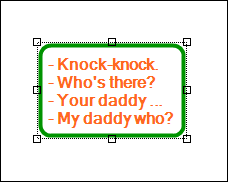
Text can be added to the object by double-clicking it or by selecting Add Text item from the object pop-up menu. Text Tool toolbar will appear once you enter the text mode. See Text Tool description for more information.
 |
See also