Multiple effects can be applied to captured image. Effects can be part of the capturing scenario and therefore can be saved as scenario setting and be applied every time that scenario is used. Effects (even default ones) can also be added/modified later inside the Captus Editor.
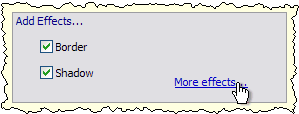
Captus Main Window provides quick access to two most used effects (Border and Shadow) and also a link to a Effects Settings Dialog where advanced settings can be edited and applied.
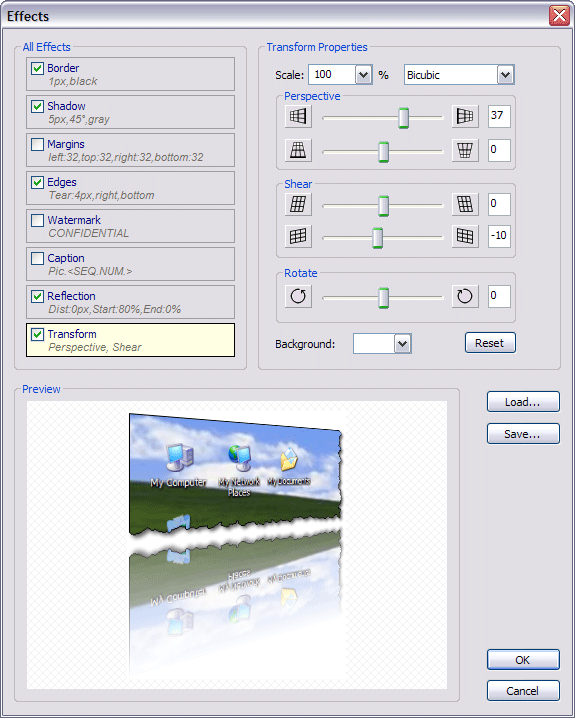
Effects Settings Dialog lists all the effects available in Captus and shows which ones are selected for current scenario.
Each effect has its own property area which becomes available once you activate specific effect from the list on the left.
The picture at the bottom shows the sample preview of all effects currently selected.
Click here or picture below to learn about specific effects and their properties.