
Image Tool creates/edits an Image Object.
The image object can be created by either by opening existing file with the image or by pasting the image previously placed in the clipboard from some other application.
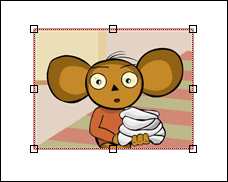
The image is surrounded by the base rectangle, which can be used to stretch/resize the image. Hold <Shift> key while resizing to keep the aspect ratio unchanged. You can always restore the original size of the image by double-clicking it or by selecting Restore Original Size item from the object pop-up menu.
 |
See also