
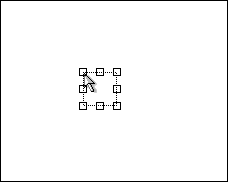
Cursor Tool creates/edits a Cursor Object.
Some predefined types of crsors can be selected from the toolbar. The user can also load any cursor from .cur file on the disk.
Shadow effect can be applied or removed individually for Cursor Object.
If the capture was done with Include Cursor setting then the cursor object will be automatically placed in place of original location of mouse pointer. This captured cursor type will be the same as the one that was on the screen at the moment of capture. You can move it around or get rid of it if you don't really need it.
 |
See also